
Texting built for Handyman Connection.
Turn every new Jobber request into a conversation.
Voxie connects to Jobber, so every new request gets a text from your office's own number the moment it lands, then a follow-up cadence until the customer replies.
Training starts here
Everything your office team needs to run Voxie alongside Jobber. Start with the basics, then dig into the automated lead messages and the Chrome extension below.
Your Voxie team

Kyle Daniel
Sr. Onboarding Consultant

Jean Limaco
Onboarding Support
Core Voxie features at a glance
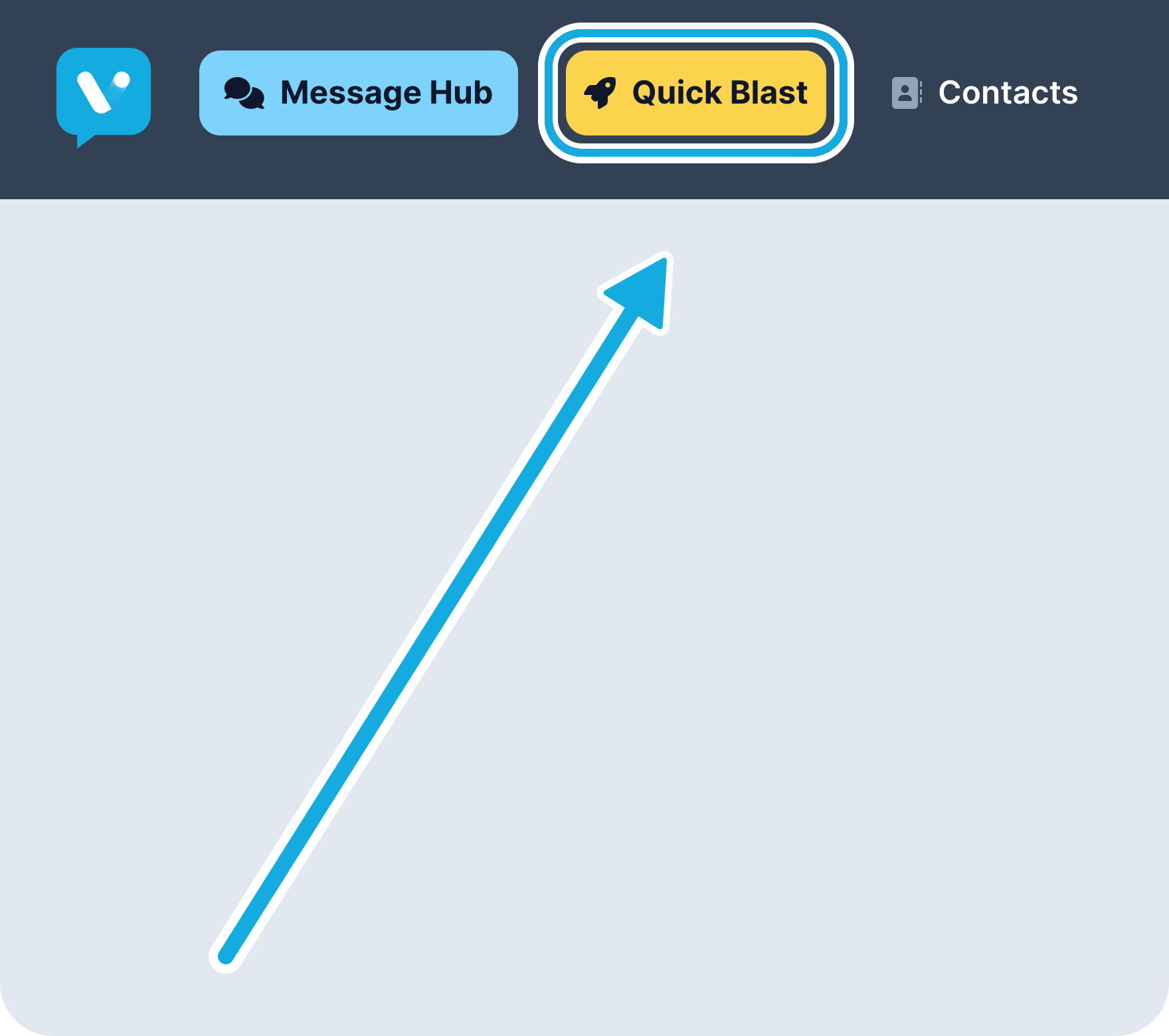
Quick Blast for one-to-many messages
Send one text to a group of customers at once, from your office's number.
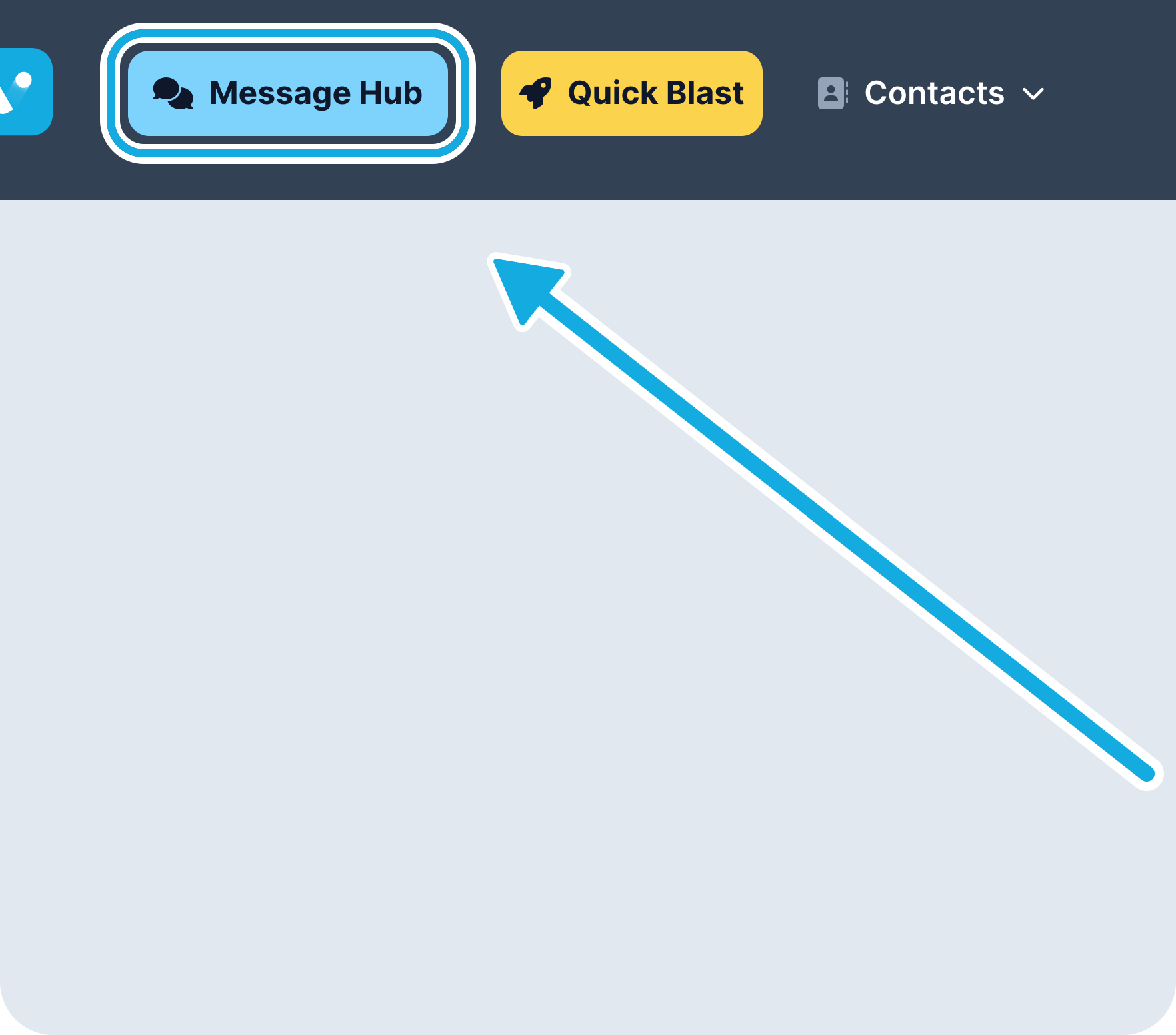
Message Hub and Intelligent Inbox
Every customer conversation for your office in one place, sorted automatically so you can see what needs a reply first.
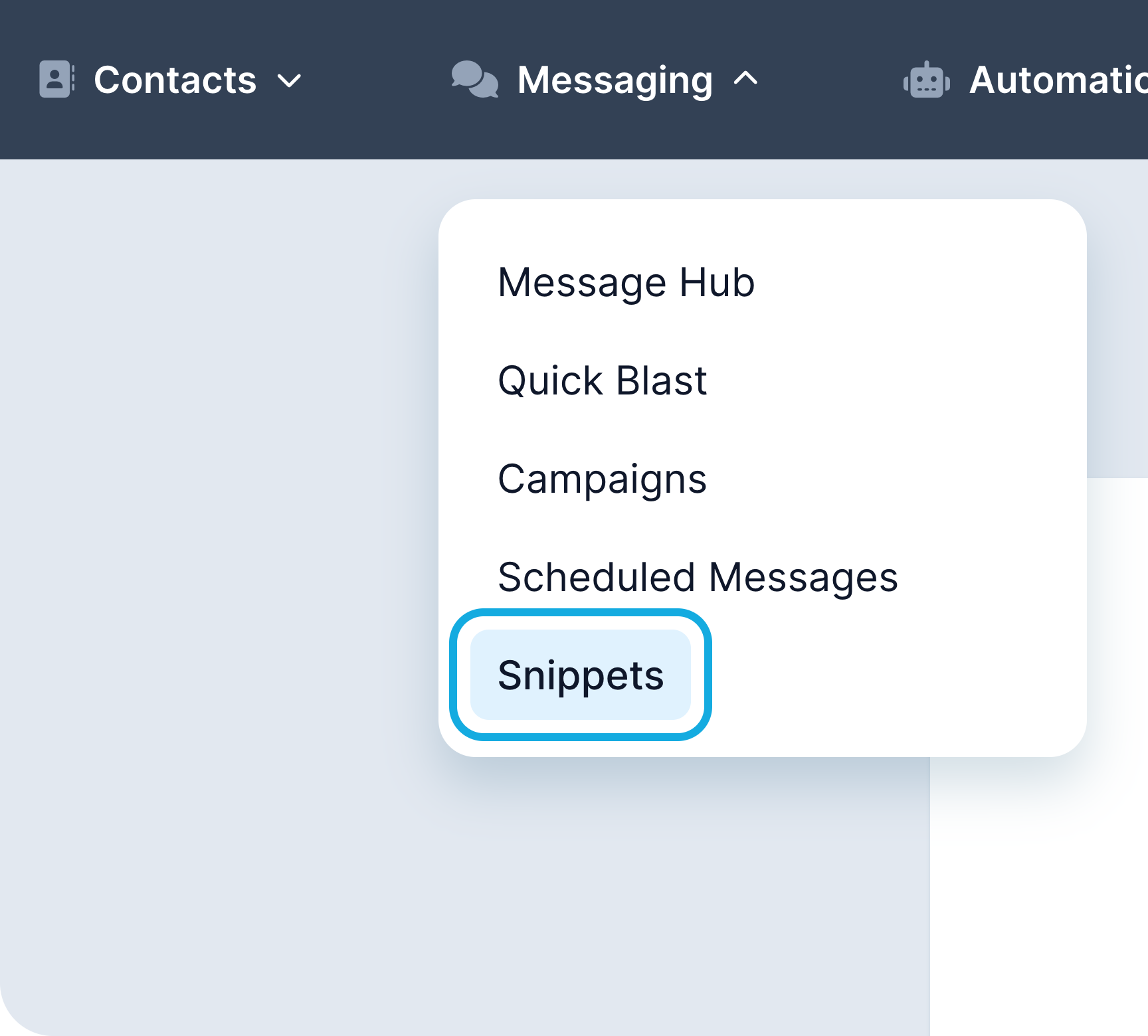
Snippets (saved replies)
Save the replies your team sends most often and drop them into any conversation in one click.
From Jobber request to text
When a customer who has opted in to texts has a request in New status in Jobber, they start the Lead Engagement texts automatically, from your office's own number. Texts go out during normal daytime hours.
Lead engagement
New Jobber requests flow into Voxie with the right office and request status. The first text goes out right away.
Stops on its own
Texts stop automatically when the customer replies to any text, the request is converted to a quote, the request is archived or moved off New, or the customer replies STOP.
Every office, its own line
Each of the 11 pilot offices has its own texting number and sees only its own conversations.
Six texts over 10 days
One compliance text, then five touches over 10 days. The goal is project details and photos, so your office can schedule the assessment.
- Day 0
Terms & welcome
Compliance confirmation, sent once on opt-in
- Day 0
Instant acknowledgment
Thanks, plus an ask for project photos
- Day 1
Check-in
What's the project?
- Day 3
Services & trust
Licensed, background-checked, warrantied
- Day 6
Reviews
What neighbors are saying
- Day 10
Final touch
Is this still the best number?
Days 0-10, word for word
Sent once, on opt-in.
Highlighted text fills in per customer and office.
Stops as soon as they reply.
Builds trust before the assessment.
Links to your office's own reviews page.
Last automated text in the cadence.
Every reply, sorted for you
Every incoming text is sorted automatically by why the customer is texting, so you can see what needs a reply first.
Project Inquiry
Describing a project, sending photos, or replying to our lead texts.
Scheduling
Booking, confirming, or rescheduling an assessment or job visit.
Quote or Billing Question
Questions about a quote, deposit, invoice, or payment.
Service Issue or Complaint
Unhappy with work, a missed appointment, or a charge.
General
Everything else: thanks, wrong numbers, short or unclear replies.
Mobile App for iOS & Android
Stay connected with your customers anywhere. Send messages, respond to conversations, and manage your campaigns from your phone with the Voxie mobile app.

Text customers right from Jobber
- 1
Install the extension. Add Voxie from the Chrome Web Store. Chrome is the supported browser for Jobber.
- 2
Stay logged in to Voxie. Voxie doesn't need to be open, just logged in.
- 3
Click any phone number in Jobber. A pop-up shows that customer's text history, and you can send a text without leaving Jobber.
For now, Voxie texts don't show in Jobber's Client Communication tab. The extension is how you see them from inside Jobber.
What's expected of you
Business as usual
Keep running your office and working requests in Jobber the way you do today.
Check Voxie daily
When a customer replies, the automated texts stop. Someone on your team picks it up from there.
Use the Chrome extension
Install it so text history is one click away from any customer in Jobber.
Remember: Voxie adds to your personal outreach, it doesn't replace it. Keep reaching out to leads as you normally would.
Crafting a Great Marketing Message
Crafting a great texting marketing message involves being concise, engaging, and action-oriented while providing value to your audience.
A successful message grabs attention quickly, speaks directly to the recipient, and encourages immediate action with a clear call-to-action (CTA). Personalization and timing are also key factors in creating a message that resonates and drives results.
Top Tips for Great Texting Marketing Messages
Keep It Short and Sweet
Don't make your customers dig for the offer or the core message. One to two sentences is best with plenty of spacing.
Personalize Your Message
Include the recipient's name or tailor the content to their interests or behavior.
Use a Strong CTA
Link to your book now page so the reader can immediately take action.
Create a Sense of Urgency
Encourage quick action with time-sensitive offers or limited availability.
Adhere to Safe Sending Hours
Legal safe sending hours are 8AM to 8PM but we recommend 9AM to 7PM just to be safe.
Mind Your Message Frequency
We recommend 1-4 Quick Blasts per month for the highest engagement and conversion - enough to stay top of mind without overwhelming your customers.
Good Message Example
Why it's good:
- Personalized with the customer's name and office.
- Says who's texting in the first line.
- One clear next step (reply or call).
- Asks for photos to speed up the quote.
Ineffective Message Example
Why it's bad:
- Generic, no personalization.
- Doesn't say who's texting.
- No specific reason to reply.
- No clear next step.
Contact and Support
We're here to help!
Log in at app.voxie.com. Our support team is available by email and live chat, Monday to Friday, 8am–8pm ET.
Email support@voxiechat.com, or your onboarding consultant Kyle Daniel at kyle.daniel@voxiechat.com.
When logged into the Voxie platform, click the question mark icon in the lower-right corner to start a live chat with our support team for the fastest assistance.